On the home screen9 of 18
Sessions, sport by sport.
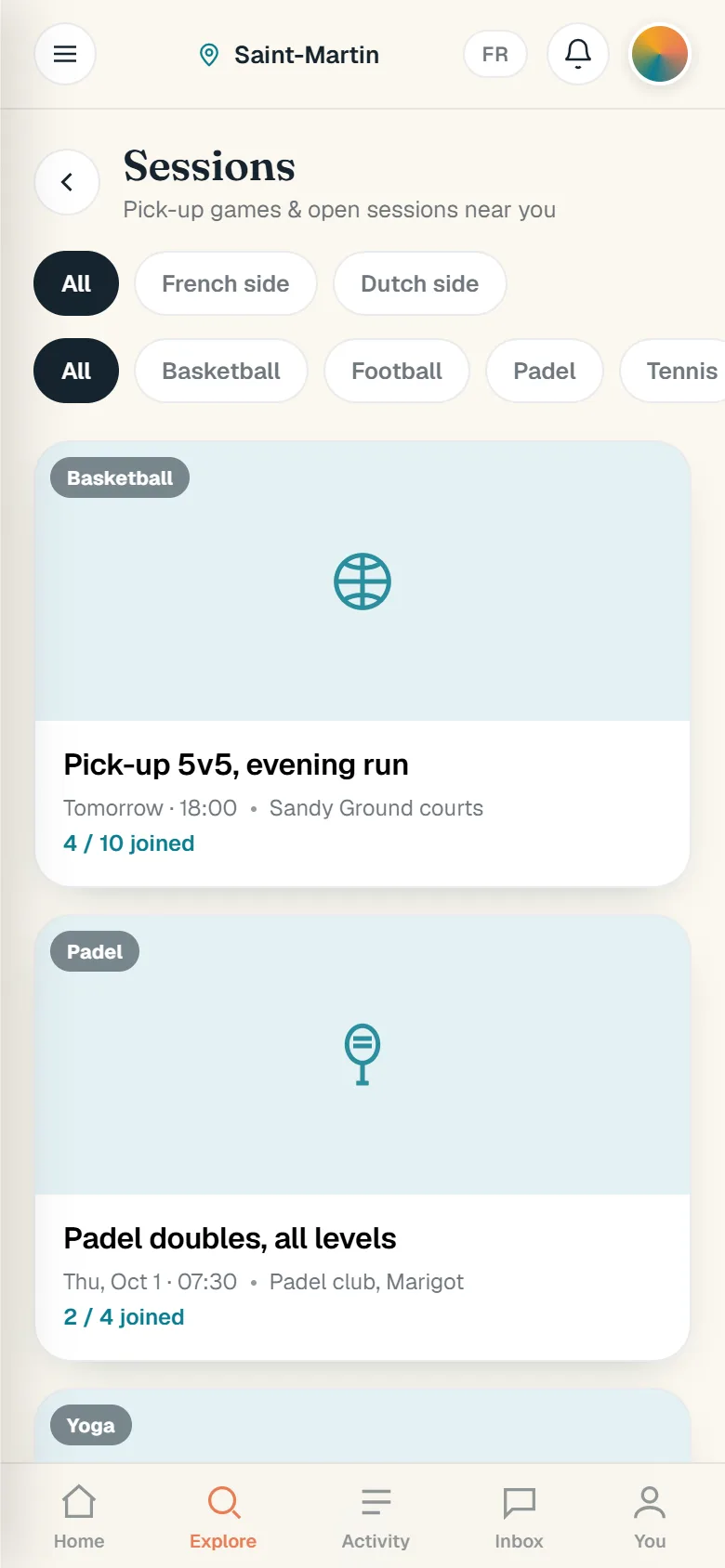
Pick-up games and open sessions near you: basketball, padel, yoga, a run club and more. See the time, the place and the spots left, and join.
Free during the beta. Works on any phone from the browser, nothing to download from a store.
How it works
Sessions is where the island’s pick-up games live: basketball, padel, yoga, a run club and more, each showing the time, the place, the level and how many spots are left. Joining is a real button: sign in, tap Join this session, and the spot is yours.
- Open the Sessions tab, sport by sport.
- Filter by sport and by side of the island.
- Open a session: time, place, level, who is in.
- Sign in, then tap Join this session.
- Show up. The spot is held.
What you can do
- Every session shows the spots taken and the spots left, so you know before you go whether there is room.
- Filtering by side of the island keeps a padel game on the French side from cluttering a search on the Dutch side.
- The Sessions tab sits on the home screen with every sport at once, basketball to free-dive, so there is one place to check what is on.
The screens
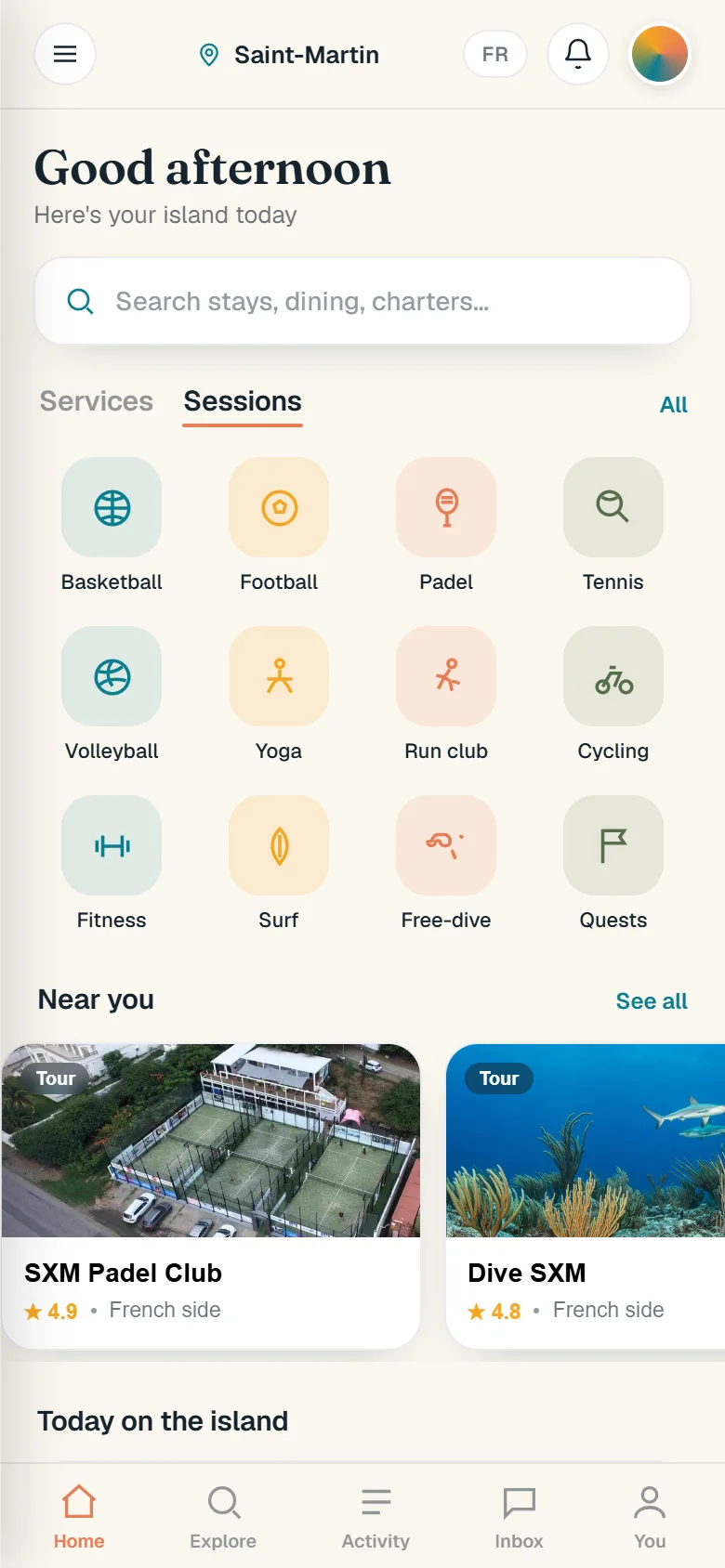
The Sessions tab, sport by sport.
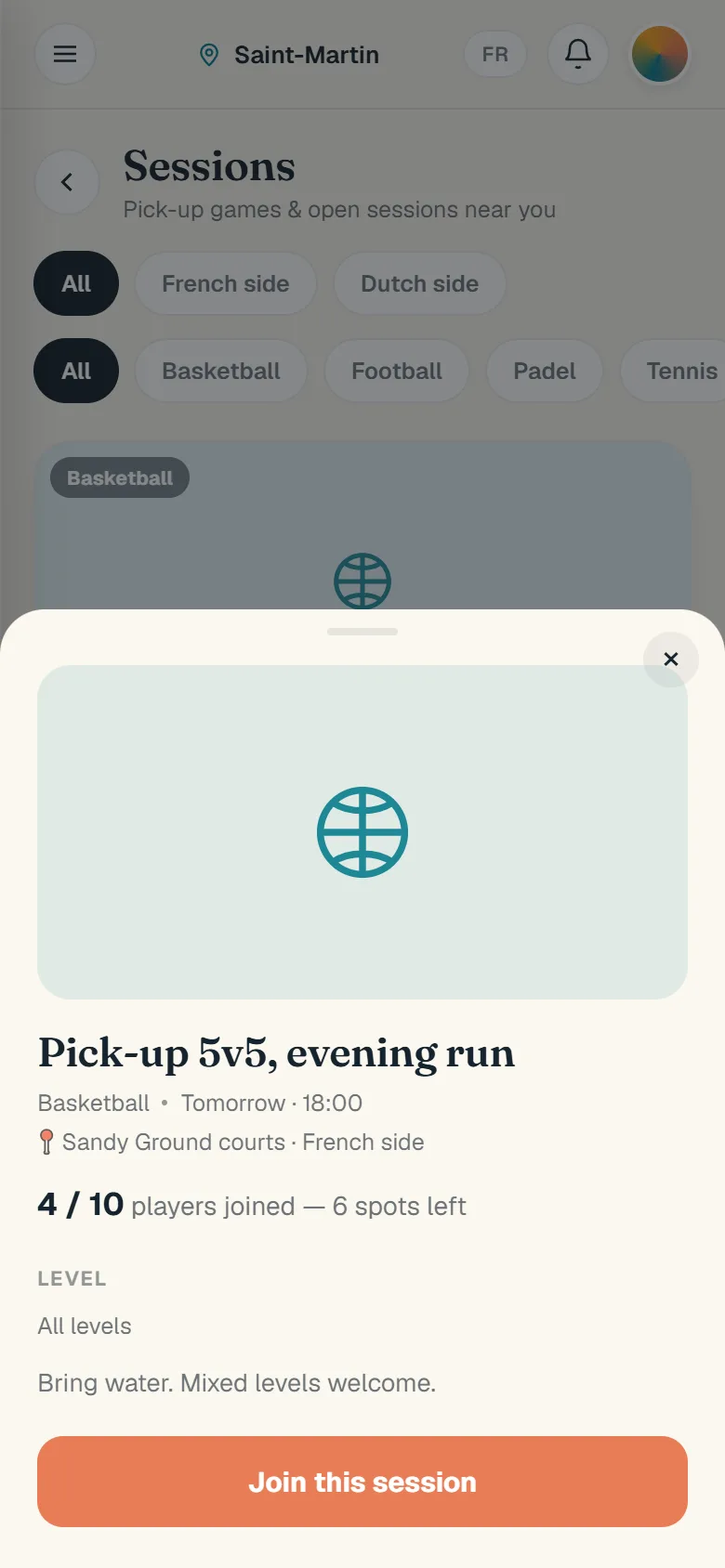
A session: time, place, level, and Join.
The sessions shown on these screens are examples seeded for the beta, not real meet-ups yet. The Join button and what it does are real.
Real screens of app.caribbein.fr, seen as a guest in September 2026. During the beta, some entries are test data.